ScaleOps
Business Operations Platform
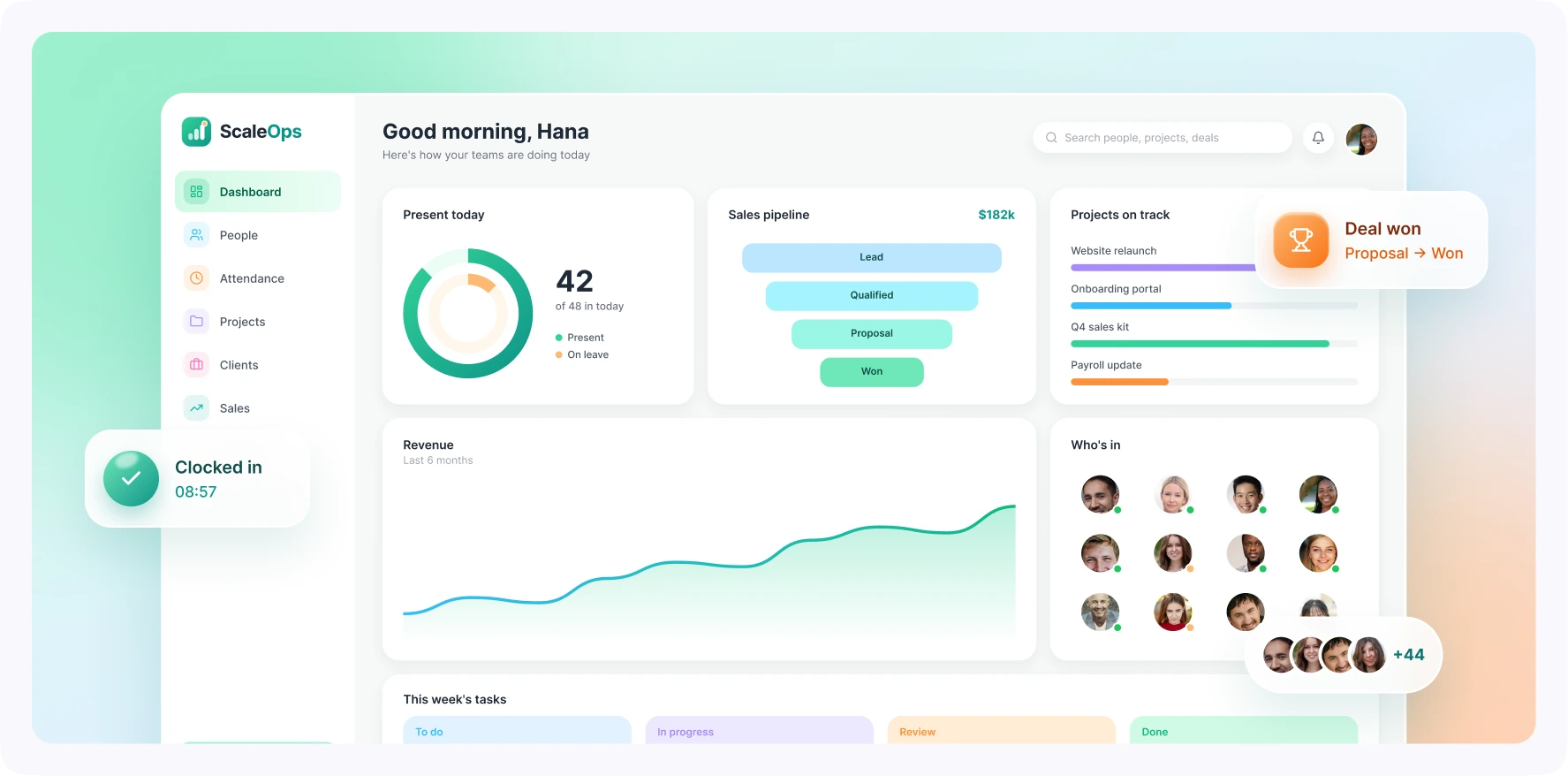
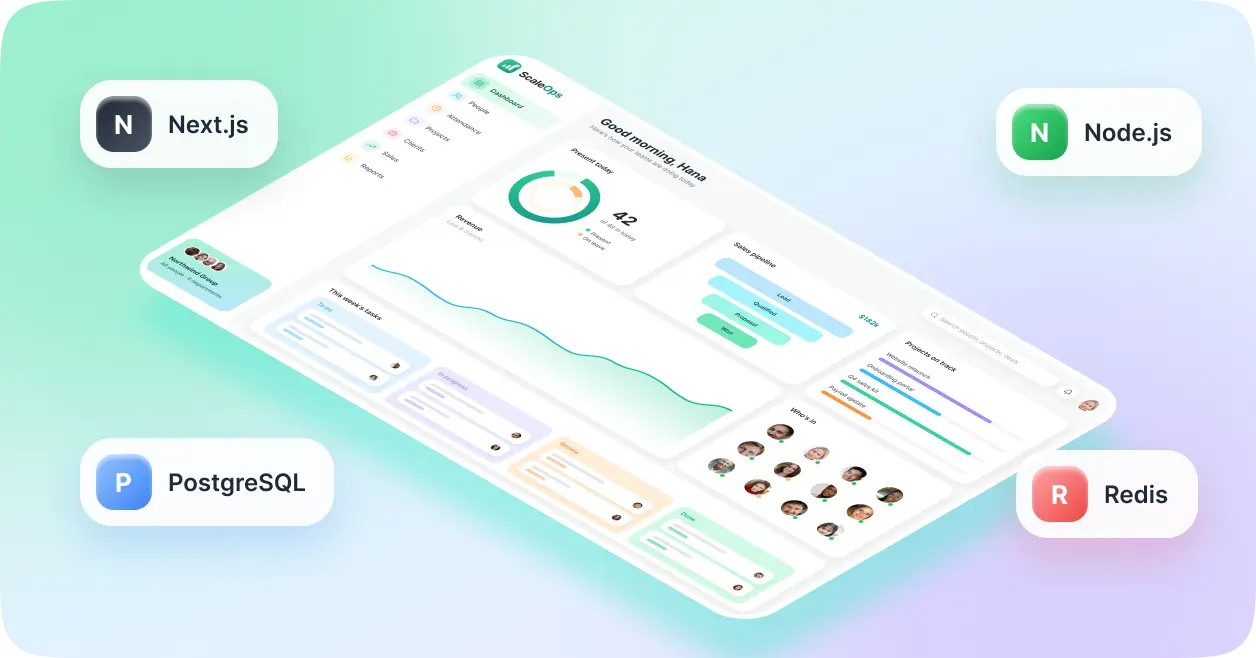
ScaleOps is a business operations management platform designed to bring employees, projects, clients, sales activity, attendance, and performance reporting into one workspace. Each organization manages its own records, teams, and workflows, with access controlled by role and responsibility. The platform connects information that often sits across separate tools. Managers can review project progress alongside team workloads, HR can manage attendance and employee records, and sales teams can follow deals through their pipeline. Real-time dashboard updates and automated reports help everyone stay informed, with less time spent pulling information together.
Bring Your People, Projects, and Business Performance Into One Workspace
Challenges
Connecting several business functions within a shared SaaS platform creates challenges around data access, reporting, and application performance.
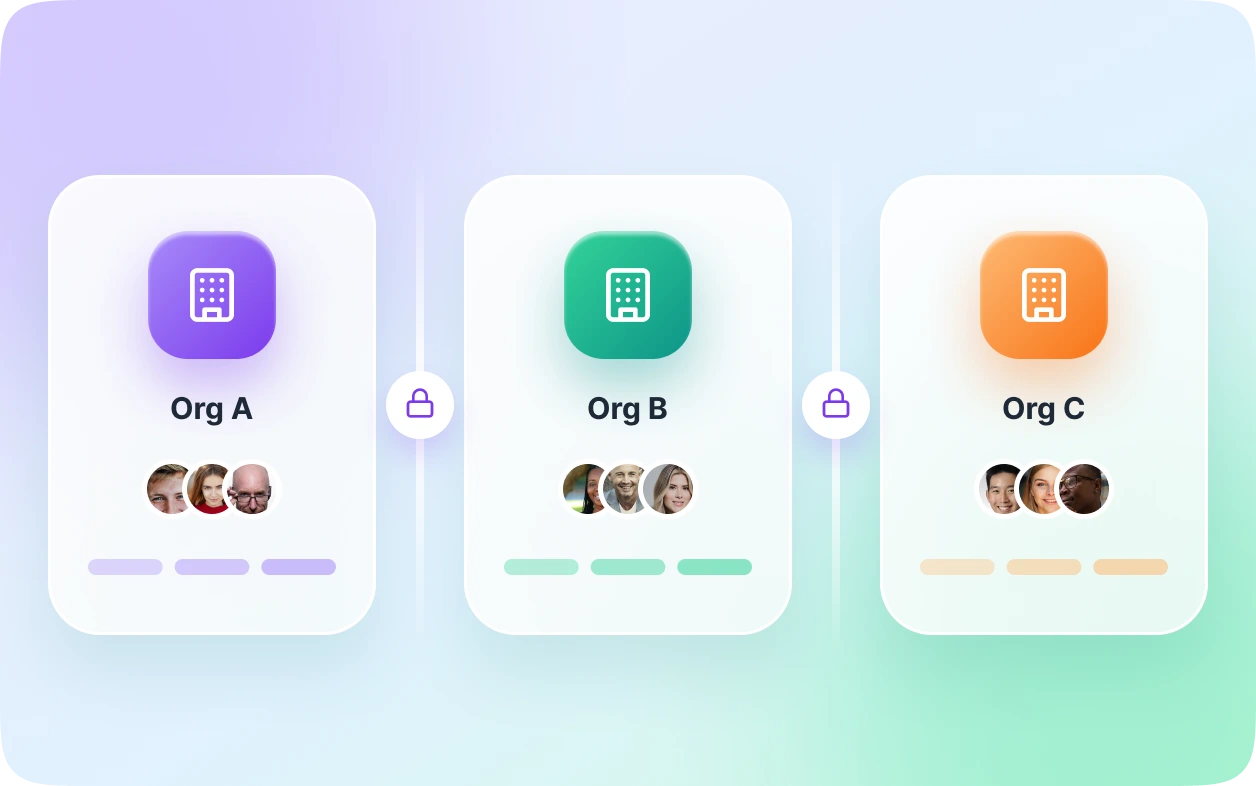
- Keeping company records separate. Multiple organizations share the application infrastructure, so every data request needs to respect organization boundaries. A missing filter could expose records belonging to another company.
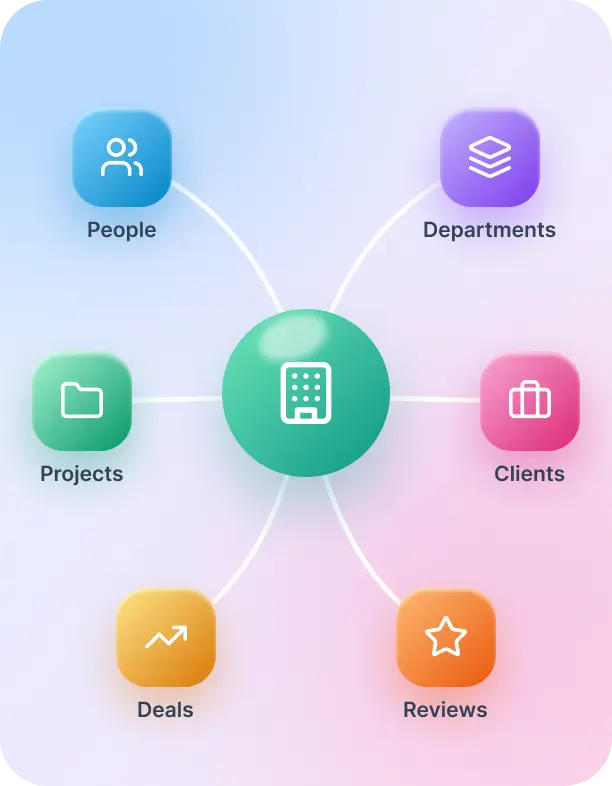
- Managing connected business data. Employees, departments, managers, projects, clients, and sales deals all relate to one another. Those relationships need to support everyday operations as well as accurate reporting.
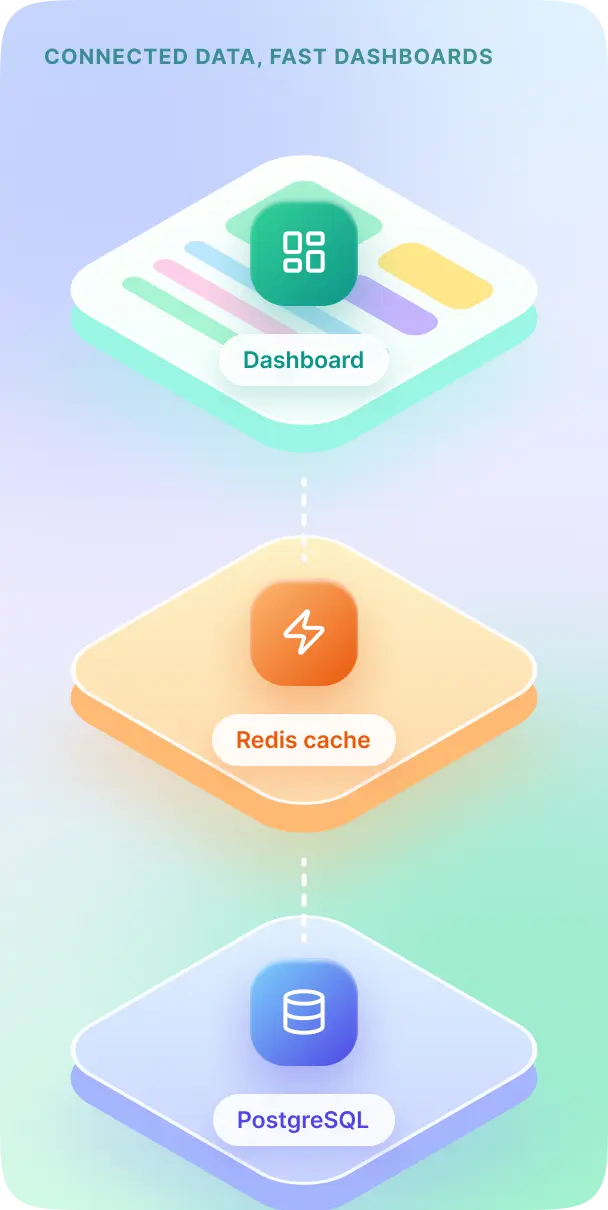
- Loading detailed dashboards efficiently. A single dashboard may show tasks, employee information, attendance, and revenue figures. Fetching each related record separately can create excessive database queries and slow responses.
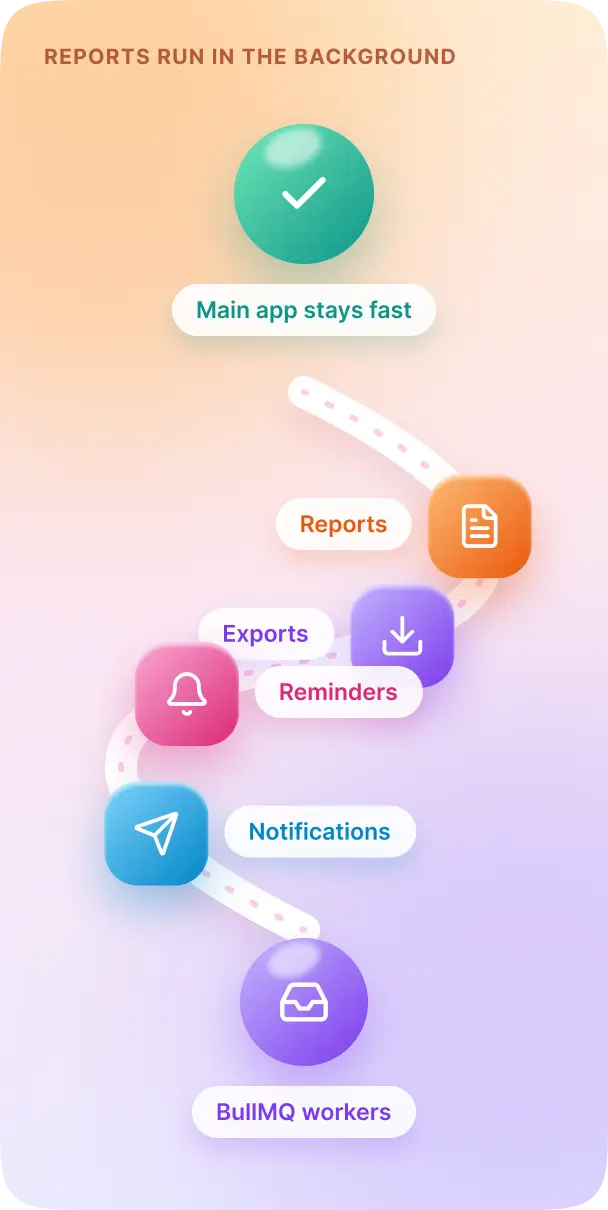
- Keeping reports from slowing down daily work. Monthly summaries, exports, and performance reports require more processing as records grow. These operations need to run without holding up routine tasks.
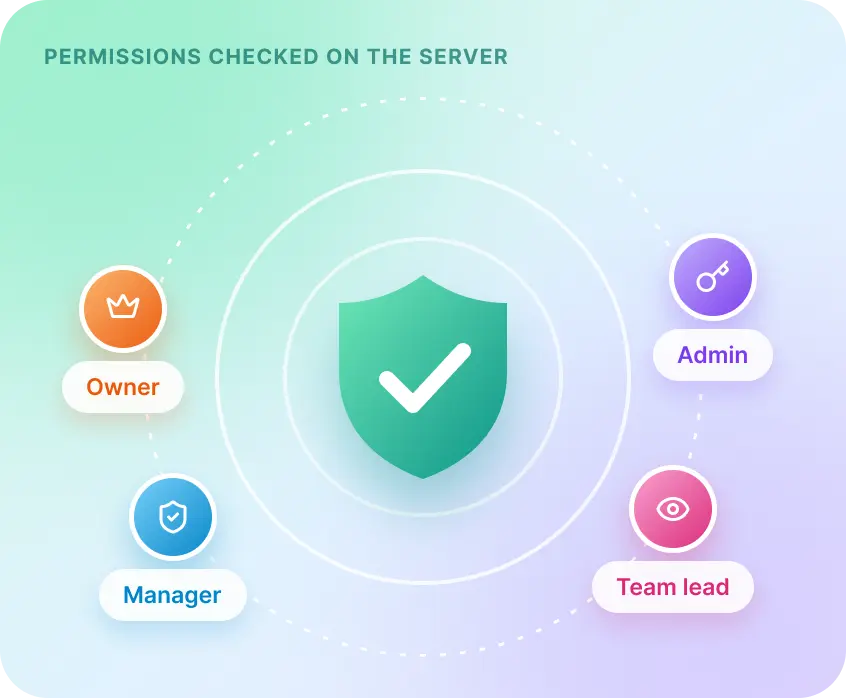
- Enforcing permissions beyond the interface. Hiding a button does not protect the underlying action. Employee records, leave approvals, reports, and role changes require authorization checks on the server.
Our Approach
The platform’s architecture connects business modules through a shared relational data model, with organization filtering and permission checks built into backend operations.
- Organization-aware data access. Organization-specific records carry an organization identifier. Backend middleware validates membership, while reusable service methods apply tenant filters consistently across database requests.
- Structured relationships and targeted queries. PostgreSQL models connect employees, departments, projects, clients, and operational records through defined relationships. Indexes support common organization, user, project, and date-range queries, with Prisma providing structured data access.
- Efficient dashboard loading. Relation preloading, selective field retrieval, pagination, and grouped queries reduce unnecessary database requests. Dedicated aggregate queries calculate business metrics without loading every underlying record individually.
- Caching and background processing. Redis caches frequently requested analytics for short periods, with relevant changes refreshing or invalidating cached results. BullMQ workers handle reports, exports, reminders, and bulk notifications separately from the main API.
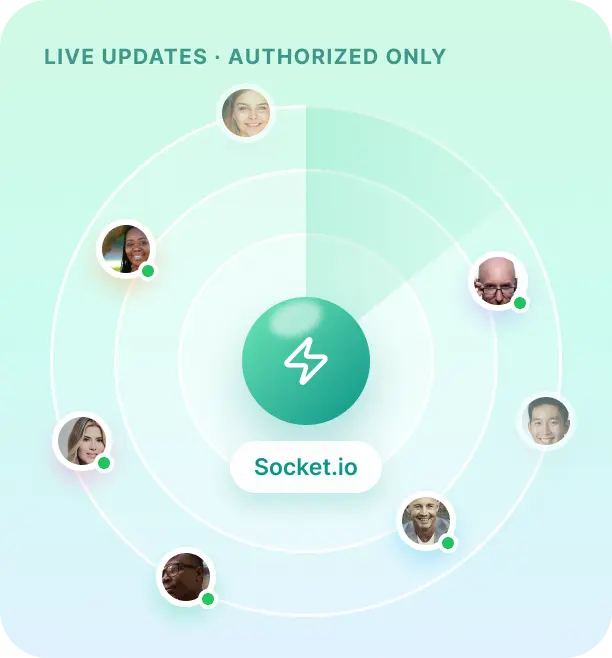
- Permission-controlled live updates. Socket.io sends relevant changes to authorized users within the organization, updating the affected dashboard sections. Protected API requests also check authentication, organization membership, roles, permissions, and resource ownership.
Development & Framework
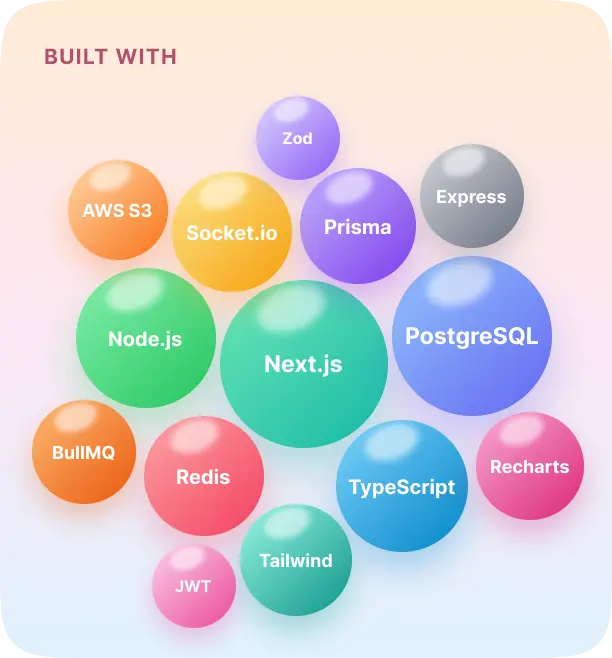
- Workspace Interface: Next.js and React with TypeScript, styled in Tailwind CSS
- Operations API: Express.js services running on Node.js
- Organization Records: PostgreSQL relational schema
- Query Layer: Prisma ORM with tenant filters
- Dashboard Cache: Redis for short-lived analytics
- Report and Export Jobs: BullMQ workers
- Live Dashboard Updates: Socket.io channels per organization
- Sign-In: JWT sessions or NextAuth
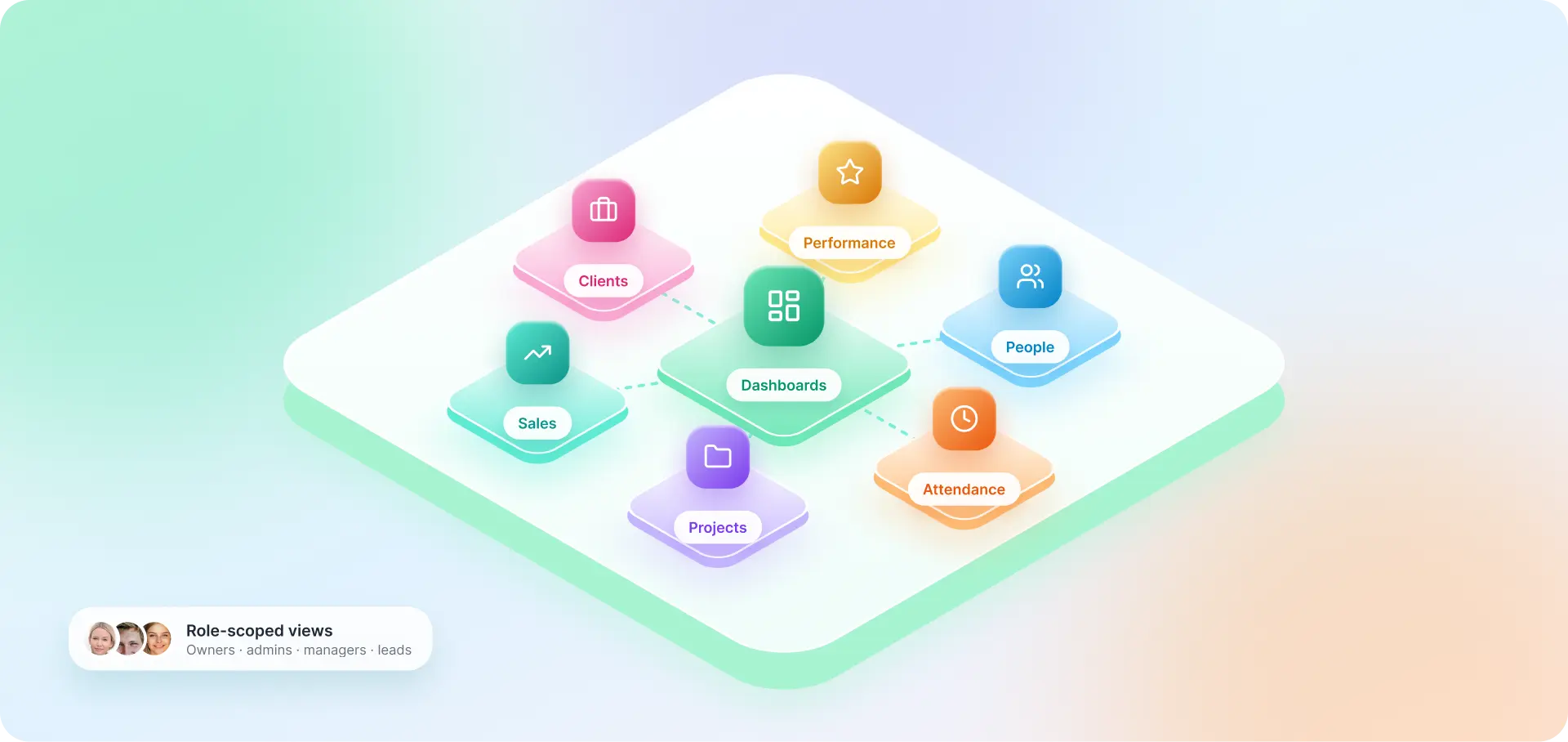
- Access Rules: Owner, admin, manager and team lead roles
- Performance Charts: Recharts
- Input Checks: Zod schemas on every request
- Employee Documents: AWS S3 storage
- Hosting: AWS EC2 or ECS
- Uptime and Logs: AWS CloudWatch
Key Features
Centralized Business Operations
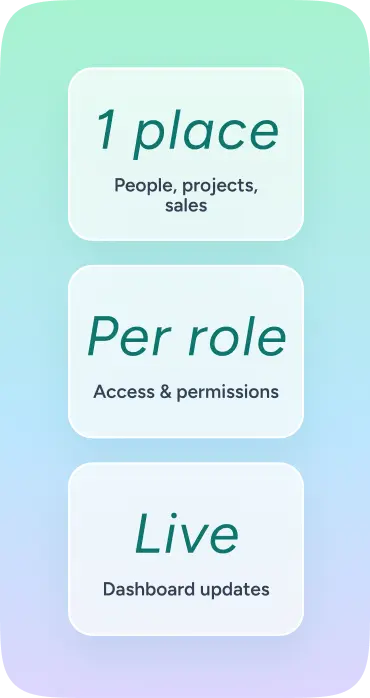
Employees, projects, clients, sales activity, and attendance sit in one connected workspace instead of separate tools.
Organization Workspaces & Role Permissions
Each organization keeps its own records, with server-side checks on membership, roles, and resource ownership.
Employee & Sales Performance Tracking
Attendance, workloads, configurable evaluations, and pipeline stages show how people and deals are progressing.
Real-Time Dashboards & Automated Reports
Live dashboard updates and scheduled reports keep teams informed without compiling the same figures each month.
Structure/Layout
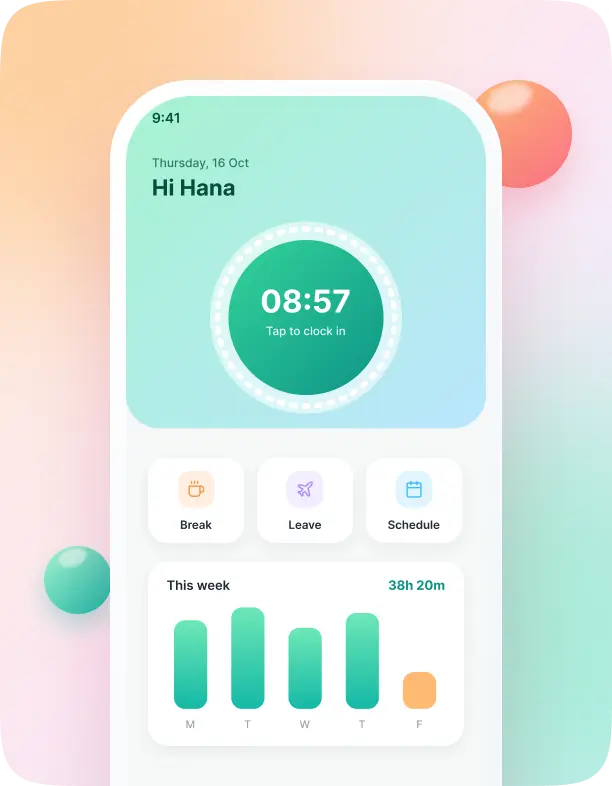
Each organization has a dedicated workspace containing its employees, departments, clients, projects, and operational records. Owners and administrators manage access, while managers and team leads work within the scope of their responsibilities. Employee profiles bring together department details, reporting relationships, schedules, assigned projects, attendance, and performance history. Attendance tools support clock-in, clock-out, breaks, and leave requests, with summaries available for management review. Project areas organize tasks by assignee, priority, status, and deadline. Comments, milestones, and activity logs keep the work traceable, while workload views help managers identify delayed tasks and overloaded team members. Sales teams manage prospects through configurable pipeline stages, recording deal values, expected closing dates, notes, and activity. Performance evaluations use configurable criteria, allowing managers to review goals and trends over time. Dashboards bring these modules together. Users can review project activity, attendance, pipeline value, revenue, and performance metrics according to their permissions. Scheduled reports provide a regular view of progress without requiring teams to compile the same information each month.
Branding & Visuals
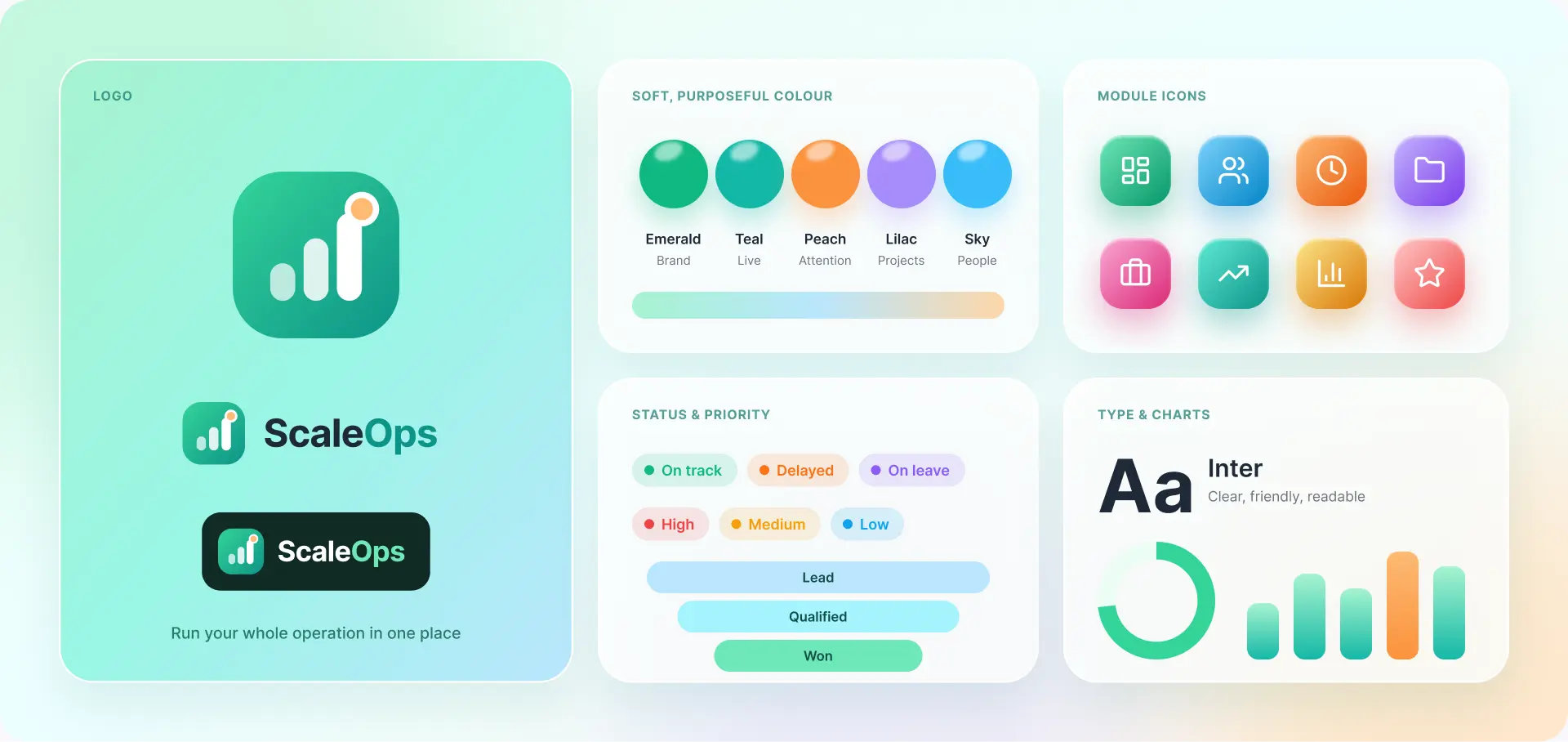
ScaleOps screens are arranged around the job each person does in the company. HR needs employee and attendance details. Sales managers need pipeline movement and revenue figures. Project managers need deadlines, workloads, and progress.
- Clear module navigation keeps those areas easy to reach, while dashboard charts give users a quick view before they open individual records.
- Status labels, priorities, and activity updates help highlight where attention is needed.
- The aim is a consistent experience across business functions. Whether someone is assigning a task, reviewing leave, or checking a deal, the next action should be easy to find and the supporting information close at hand.

Plan Your Own Operations Platform
Running HR, projects, and sales from separate tools? Our web app development team builds custom SaaS platforms that connect employee management, project tracking, sales workflows, and reporting the way ScaleOps does.
Tell us how your teams work and where your existing tools leave gaps.
Discuss Your SaaS Project